Keyframe animation playback
Plays animations built from keyframes and fills in the motion between poses, so mods can define smooth movement with only a few key positions.
Player Animator Mod (Player Animation Mod) is the Minecraft animation mod library that emote, combat and movement mods use to animate your character. Check compatibility and follow the installation steps for Fabric, Forge, NeoForge or Quilt.
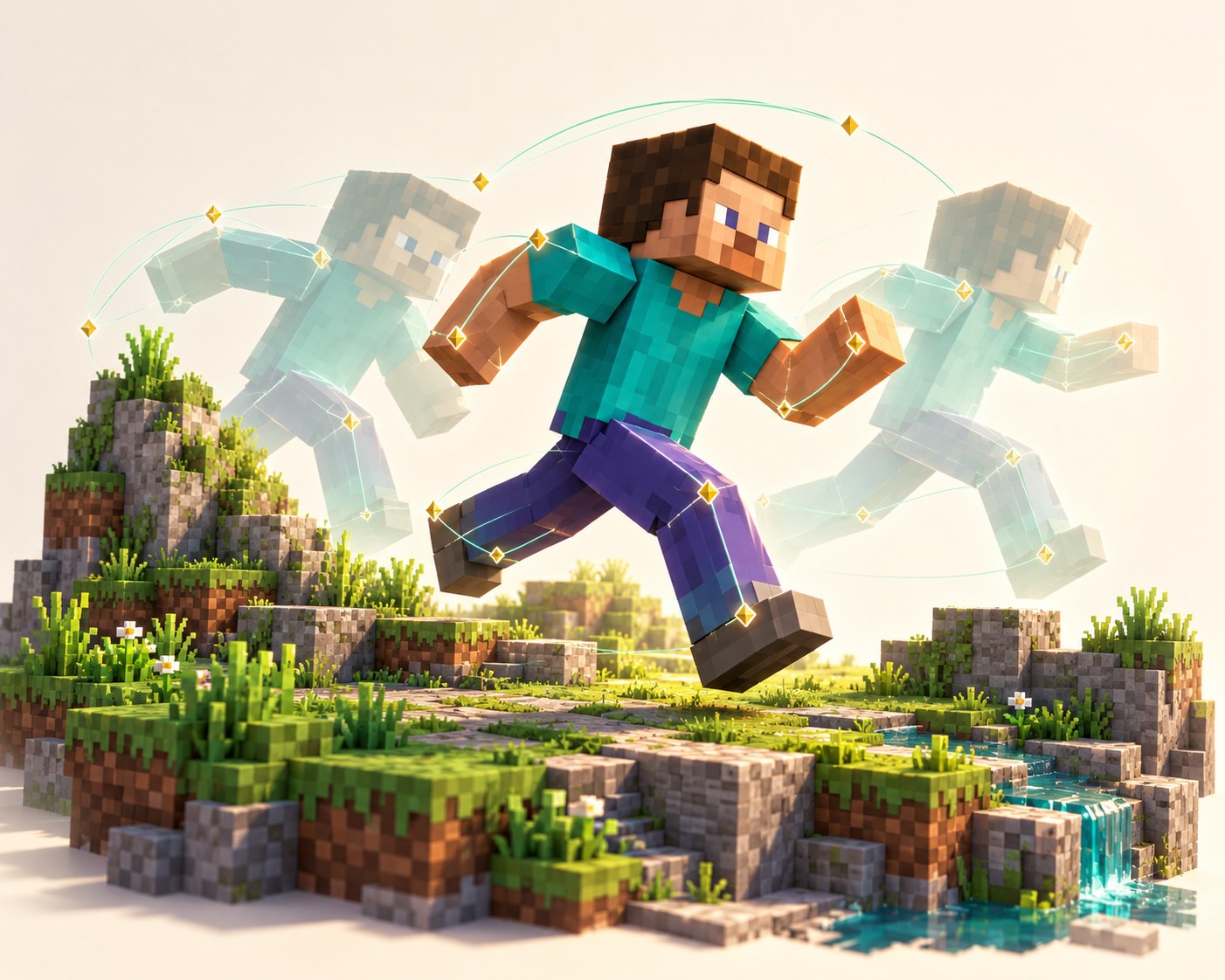
Player Animation Mod, listed on CurseForge as playerAnimator by KosmX, is a Minecraft: Java Edition library that animates the player model using keyframes. Other mods call it to play emotes, attacks, gestures and other poses.
Instead of every mod writing its own animation code, they share this one. It loads animation data, decides which animation controls each body part, and applies the pose while the game renders, trying not to break other mods that touch the player.
Library modInstalling it alone changes nothing. You need it when a mod you want lists it as a dependency.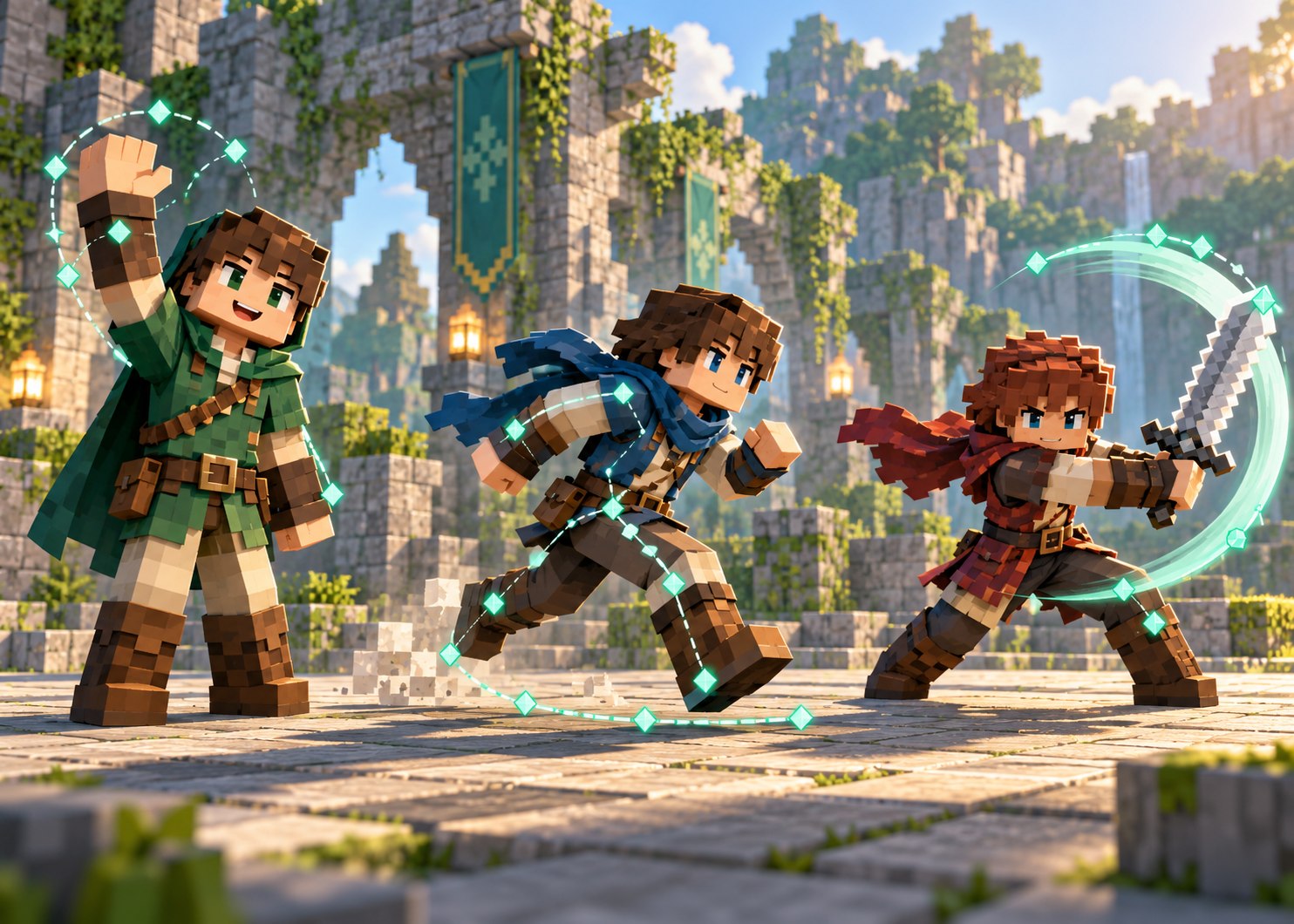
The tools the library gives to mods that animate the player, based on the project's own documentation.
Plays animations built from keyframes and fills in the motion between poses, so mods can define smooth movement with only a few key positions.
Animations sit in a priority stack. Higher layers override lower ones, and untouched parts let the layer beneath keep playing.
Modifier layers can fade animations in and out, and easing curves let motion start and stop smoothly instead of snapping.
Animates the head, torso, arms and legs plus a body bone. With bendy-lib installed, limbs can also bend in the middle.
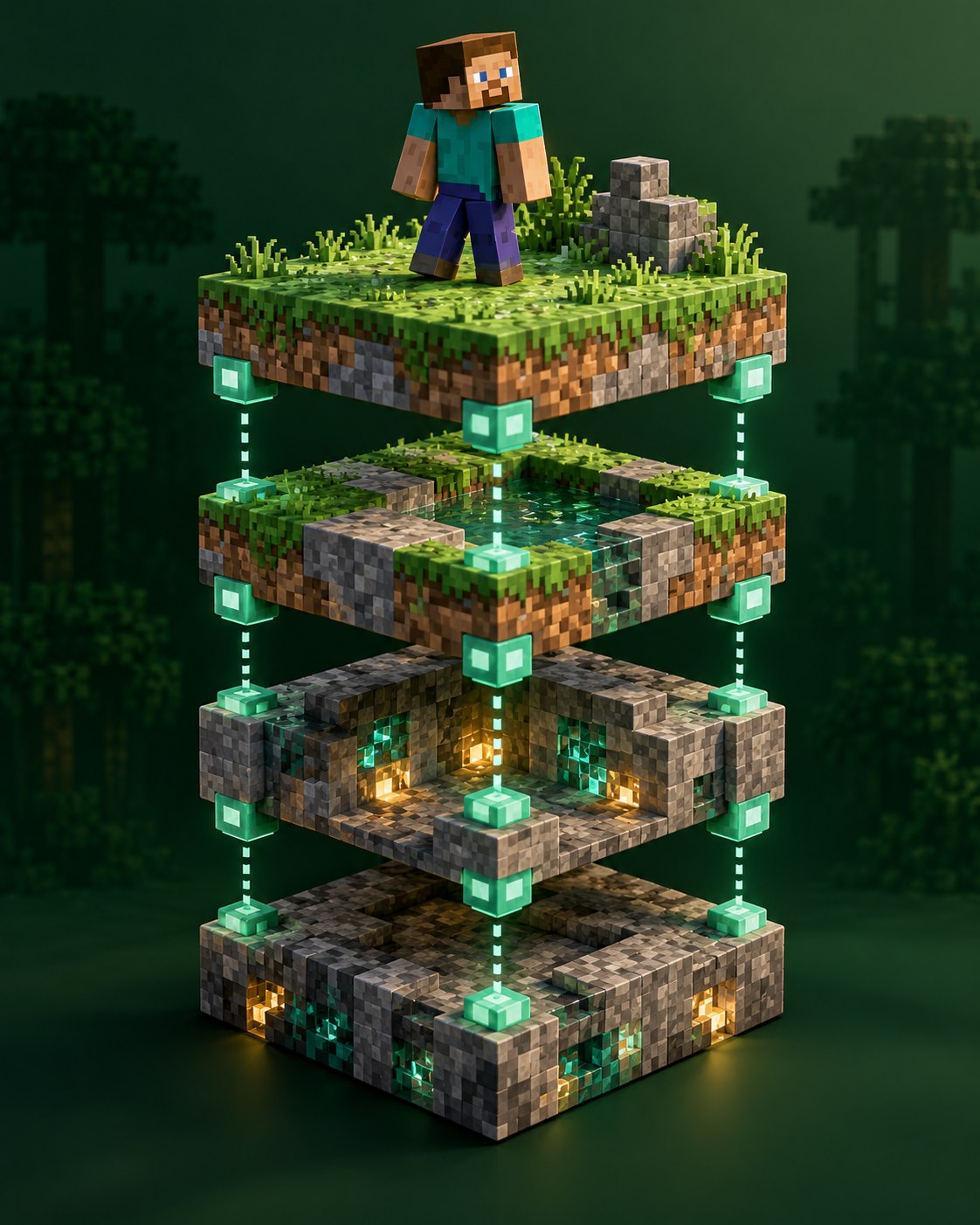
From a mod's request to the pose you see on screen, every animation passes through the same four stages.
An emote, combat or movement mod asks the library to play an animation on a player.
The animation data, such as an Emotecraft-format JSON file, is read and prepared for playback.
The animation joins the player's stack, where priority decides which layer controls each body part.
Each frame, the library poses the body parts and the result is drawn in game.
Match the library to your edition, loader and exact game version. Every published file states the version and loader it was built for.
Built for Java Edition. Bedrock Edition and Minecraft PE cannot load Java mods.
Each loader has its own build. Quilt players generally use the Fabric file.
Builds are listed across the 1.16, 1.18, 1.19, 1.20 and 1.21 families. Match the exact version.
On a modded server, install matching copies on the server and every player's client.
Five steps that work for any supported loader. For loader-specific walkthroughs, see the Forge guide or the Fabric, NeoForge and Quilt guide.
Note the Minecraft: Java Edition version and the loader your profile uses: Fabric, Forge, NeoForge or Quilt.
Install the loader for that Minecraft version and start the profile once so it creates its folders.
Download the Player Animation Mod build that matches your game version and loader.
Move the .jar file into the mods folder without unzipping it, and remove any older copy.
Add the mod that requires the library, launch the loader profile and test its animations in a world.
Get the Player Animation Mod library file for Minecraft: Java Edition. The button below starts a direct download of a file hosted on CurseForge.
An honest summary of strengths and limitations to help you decide.
Most problems come from a missing file, a wrong build or a duplicate copy. Match the issue on the left to the fix on the right.
Add the library build that matches your loader and game version to the mods folder.
Remove duplicate copies and wrong-version files, then check latest.log for the cause.
Download the file built for your exact Minecraft release instead of a nearby version.
Install the same library version as the server, and ask the owner for the exact file.
Answers to the questions players ask most about Player Animation Mod.